- Understanding Advance Tax Calculator Example: A Practical Guide
- What is Advance Tax?
- How Does an Advance Tax Calculator Work?
- Advance Tax Calculator Example: Step-by-Step
- Benefits of Using an Advance Tax Calculator
- Key Tips When Using an Advance Tax Calculator
- Conclusion
Understanding Advance Tax Calculator Example: A Practical Guide
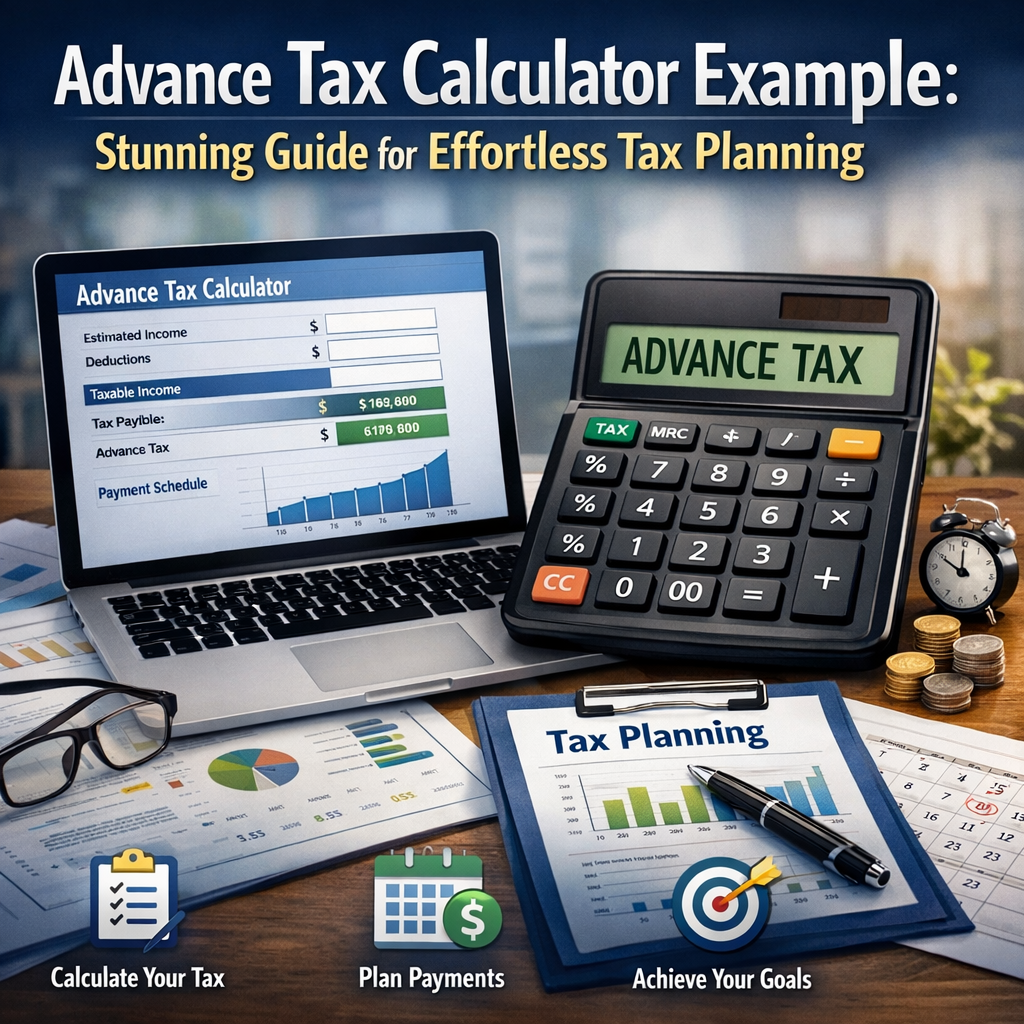
Advance tax is an essential component of the income tax system in many countries, designed to help taxpayers pay their tax liability in installments rather than in a lump sum at the year-end. For individuals and businesses, staying on top of advance tax payments is crucial to avoid penalties and to manage cash flows efficiently. An advance tax calculator example can serve as a practical tool to simplify this process and provide clarity on how much tax is payable and when.
In this article, we’ll explore what advance tax is, how it works, and walk through an easy-to-understand advance tax calculator example that readers can use to calculate their own advance tax obligation.
What is Advance Tax?
Advance tax, often referred to as “pay as you earn” tax, is a method of paying income tax in installments during the financial year instead of making a single payment after the year ends. Taxpayers who have a tax liability exceeding a specified threshold are required to estimate their income, calculate the tax due, and pay it in advance in scheduled installments.
This system ensures that the government receives a steady flow of revenue throughout the year and that taxpayers avoid hefty tax payments at the last moment. Individuals with business income, professionals, self-employed persons, and companies generally fall under the advance tax payment regime.
How Does an Advance Tax Calculator Work?
An advance tax calculator automates the process of calculating tax liability based on estimated income, exemptions, deductions, and applicable tax rates. It takes into account factors such as:
- Estimated total income for the year
- Deductible expenses and investments (such as under Section 80C)
- Applicable slab rates or corporate tax rates
- Previously paid advance tax installments
By entering these details, the calculator generates the amount of advance tax that needs to be paid in each installment. This helps taxpayers plan their finances and avoid underpayment or overpayment.
Advance Tax Calculator Example: Step-by-Step
Let’s take a practical example to understand how an advance tax calculator can be used.
Imagine Ravi, a freelance consultant, estimates his total taxable income for the financial year to be INR 1,200,000. He has already made investments eligible for deductions of INR 150,000 under Section 80C.
Step 1: Calculate Taxable Income
Estimated Income: INR 1,200,000
Less: Deduction under Section 80C: INR 150,000
Taxable Income = INR 1,050,000
Step 2: Apply Tax Slabs
For the sake of simplicity, let’s use the old tax regime slabs for individuals below 60 years:
- Income up to INR 2,50,000: No tax
- INR 2,50,001 to 5,00,000: 5%
- INR 5,00,001 to 10,00,000: 20%
- Above INR 10,00,000: 30%
Let’s calculate the tax:
- Up to 2,50,000: No tax
- 2,50,001 to 5,00,000 (2,50,000): 5% of 2,50,000 = INR 12,500
- 5,00,001 to 10,00,000 (5,00,000): 20% of 5,00,000 = INR 100,000
- 10,00,001 to 10,50,000 (50,000): 30% of 50,000 = INR 15,000
Total Tax = 12,500 + 100,000 + 15,000 = INR 127,500
Add applicable cess (4% health and education cess):
Cess = 4% of 127,500 = INR 5,100
Total Tax Payable = INR 127,500 + INR 5,100 = INR 132,600
Step 3: Determine Advance Tax Installments
Advance tax installments (for individuals) are usually due as follows:
- 15% by 15th June
- 45% by 15th September
- 75% by 15th December
- 100% by 15th March
Applying these percentages to INR 132,600:
- By June 15: 15% of 132,600 = INR 19,890
- By September 15: 45% of 132,600 = INR 59,670 (cumulative)
- By December 15: 75% of 132,600 = INR 99,450 (cumulative)
- By March 15: 100% of 132,600 = INR 132,600 (cumulative)
Note that taxpayers must ensure their payments are cumulative. For example, by September 15, the total paid should be at least INR 59,670. If placed on the calculator, these amounts are automatically computed, reducing the risk of errors.
Benefits of Using an Advance Tax Calculator
- Accuracy: Manual tax calculations are prone to errors. Calculators use predefined logic to ensure precise outcomes.
- Time-saving: It quickly computes payable tax and scheduled installments, freeing up valuable time.
- Financial Planning: Knowing the exact amount due helps manage cash flow and avoid penalties for late payments.
- Compliance: Helps meet deadlines and avoid interest and penalties under tax laws.
- Scenario Analysis: You can change estimated income figures and instantly see the impact on tax liability.
Key Tips When Using an Advance Tax Calculator
- Always update the estimated income with realistic figures to avoid underpayment.
- Include all income sources like salary, business profits, rent, and capital gains.
- Factor in all eligible deductions and exemptions to optimally reduce taxable income.
- Regularly update the calculator if your income changes during the year.
- Keep proof of advance tax payments for future reference and filing returns.
Conclusion
An advance tax calculator example illustrates how simple yet effective the process can be for managing tax payments during the year. By breaking down the tax liability into manageable installments, taxpayers can minimize the burden at the year-end while staying compliant with tax regulations. Whether you are a freelancer like Ravi or run a small business, leveraging such calculators can be a game-changer for financial planning and peace of mind.
Using a reliable advance tax calculator ensures you stay on track with your tax obligations, avoid penalties, and maintain a healthy financial practice throughout the fiscal year. So, next time you think about your taxes, try using an advance tax calculator to get precise tax estimates and plan payments effortlessly.
📱 Calculate Instantly with FinLaa
Access 116+ financial calculators — EMI, SIP, tax, mortgage & more — completely free. Works offline too.
iPhone · iPad · Mac · Apple Vision Pro
📚 Related Articles
🔗 Official Resources
Author

rahulbachioppo@gmail.com
Related Posts

calculator app for loans investments and tax planning
Taking a loan is a big commitment. Whether it’s for a home, car, or personal use, valid calculation is your first defense...

how much home loan can I get on my salary
Taking a loan is a big commitment. Whether it’s for a home, car, or personal use, valid calculation is your first defense...

what is the difference between old and new tax regime
Every rupee saved in tax is a rupee earned. Efficient tax planning is 100% legal and necessary for financial health. In this...
Read out all
AI tax planning assistant for maximum savings
Every rupee saved in tax is a rupee earned. Efficient tax planning is 100% legal and necessary for financial health. In this...
Read out all
how to calculate depreciation of assets for tax
Every rupee saved in tax is a rupee earned. Efficient tax planning is 100% legal and necessary for financial health. In this...
Read out all
how much house can I afford on my salary
Financial literacy is the skill of managing your money effectively. This tool helps you make data-backed decisions. In this guide, we explore...
Read out all